
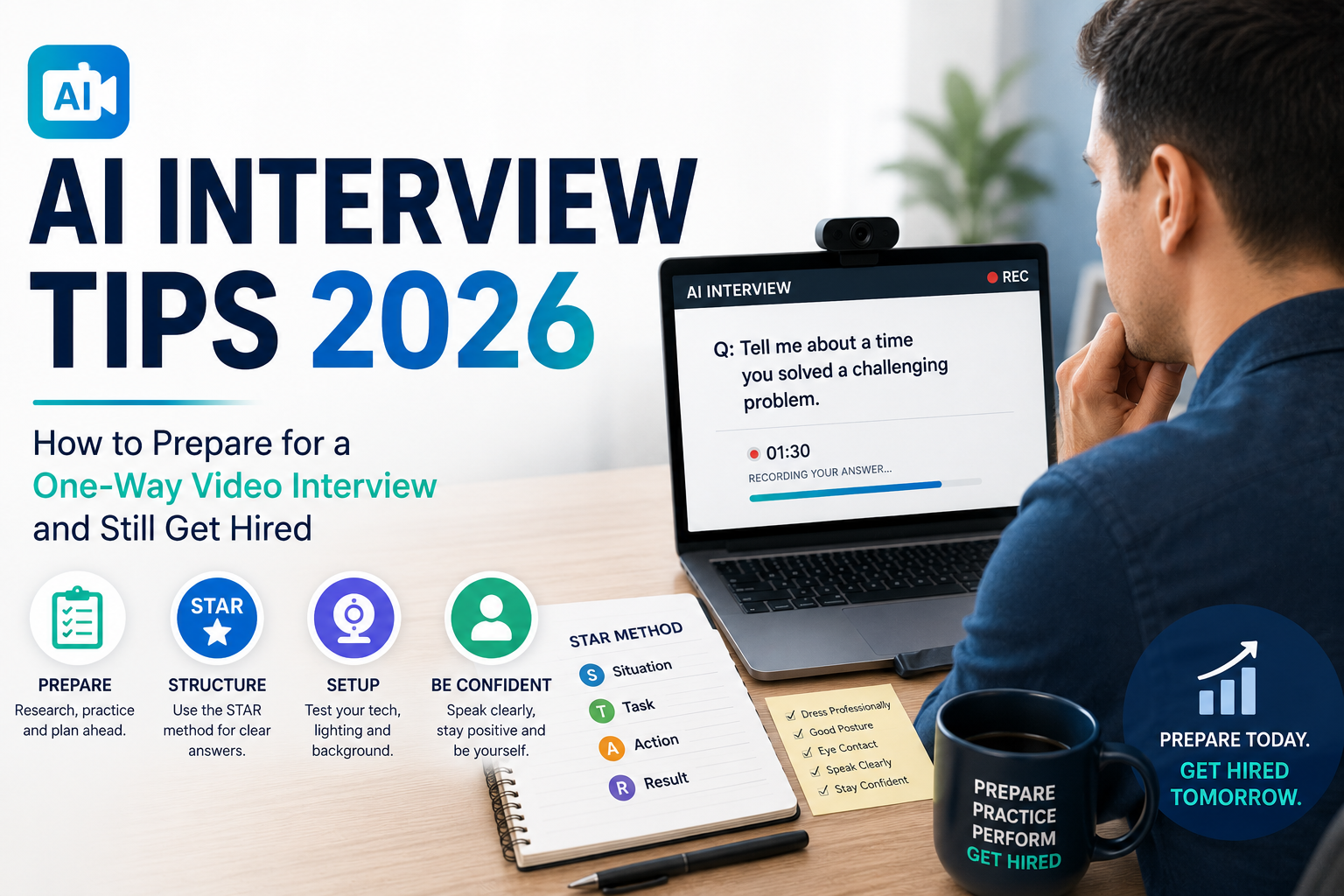
Learn AI interview tips for 2026: how to prepare for one-way video interviews, common questions, and mistakes to avoid.
Learn practical AI interview tips 2026 for one-way video interviews, common AI questions, mistakes to avoid, and strategies to get hired.
If the words “AI interview” make you imagine a computer judging every pause, facial expression, and awkward sentence, you are not alone.
For many job seekers, a one-way video interview feels harder than speaking with a real recruiter. You record your answers alone, often with a countdown timer on the screen, knowing that your responses may be reviewed with the help of AI or automated hiring technology.
The good news: you do not need to “beat” an algorithm.
You need to give clear, relevant, structured answers while presenting yourself professionally on camera. The strongest preparation focuses on what you can control: your examples, delivery, environment, technology, and understanding of the role.
This guide breaks down practical AI interview tips 2026 so you can prepare for an asynchronous interview without sounding robotic or over-rehearsed.
What Is an AI Interview and How Does It Work?
An AI interview typically uses software to help employers collect, organize, or evaluate candidate responses during the hiring process.
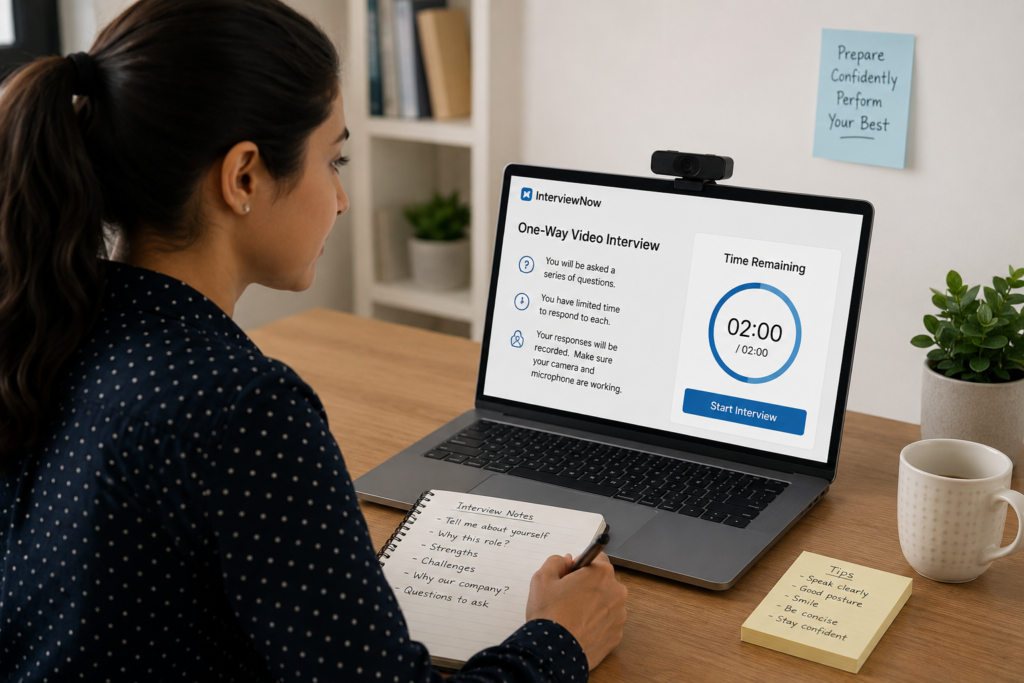
A common format is a one-way video interview, also called an asynchronous interview. Instead of speaking with a recruiter live, you receive questions on a platform and record your answers within a specified time.
A typical process looks like this:
- You receive an invitation from the employer or recruiting platform.
- You open the interview through a web browser or app.
- The platform explains the process and may provide a practice question.
- A question appears on screen or is presented through video or audio.
- You get a limited amount of preparation time.
- You record your answer.
- Depending on the employer and platform, your responses may be reviewed by recruiters and/or processed using automated tools.
- Selected candidates move to the next stage.
The exact technology varies considerably between employers. Some systems primarily automate scheduling and response collection. Others may use AI-assisted tools to organize candidate information or help recruiters evaluate responses.
Do not assume that every platform scores facial expressions, eye contact, or personality in the same way. What an employer analyzes depends on the specific technology and hiring process.
That distinction matters because job seekers sometimes spend too much time trying to decode an imaginary scoring algorithm instead of preparing strong interview answers.
Your goal should be simple: answer the question directly, demonstrate evidence of your skills, and communicate like a prepared professional.
Why Companies Are Switching to AI Interviews in 2026
Employers receive large numbers of applications for many positions. Technology can help recruiting teams manage repetitive steps earlier in the hiring funnel.
AI-assisted hiring tools may help companies organize candidate information, automate parts of screening, and give recruiters more efficient ways to handle large applicant pools.
For employers, potential advantages include:
- Handling high application volumes.
- Standardizing certain screening questions.
- Giving candidates flexibility to complete interviews outside normal business hours.
- Reducing scheduling back-and-forth.
- Collecting comparable responses from candidates.
- Helping recruiters spend more time on later-stage conversations.
For candidates, the experience has both advantages and disadvantages.
A one-way interview can be convenient because you do not have to coordinate schedules with a recruiter. You may also get an opportunity to practice before submitting your responses.
The downside is that there is no interviewer reacting to your answer. You cannot ask a clarifying question, read the recruiter’s body language, or recover naturally from an awkward moment.
That means preparation matters more.
The best AI interview tips 2026 are not about finding tricks to manipulate an automated system. They are about becoming better at concise, structured video communication.
How to Prepare for an AI Interview: 9 Steps
1. Study the Job Description Before Practicing
Do not start by memorizing generic answers.
Start with the job description.
Highlight:
- Required technical skills.
- Preferred skills.
- Responsibilities.
- Communication requirements.
- Leadership or teamwork expectations.
- Industry-specific terminology.
- Problems the employer expects you to solve.
Then identify three to five experiences from your background that demonstrate those requirements.
If the position requires customer service, prepare a customer-service example. If it requires project management, prepare a project example. If it emphasizes teamwork, have a strong collaboration story ready.
Your interview preparation should mirror the actual job.
If your resume also needs work, make sure you are using an ATS-friendly resume that clearly connects your experience to the position.
2. Prepare a Personal Story Bank
You should not memorize complete paragraphs. Instead, create a small collection of stories you can adapt.
Prepare examples involving:
- A difficult problem you solved.
- A successful project.
- A mistake and what you learned.
- A conflict with a coworker.
- A time you showed initiative.
- A measurable achievement.
- A situation where you had to learn something quickly.
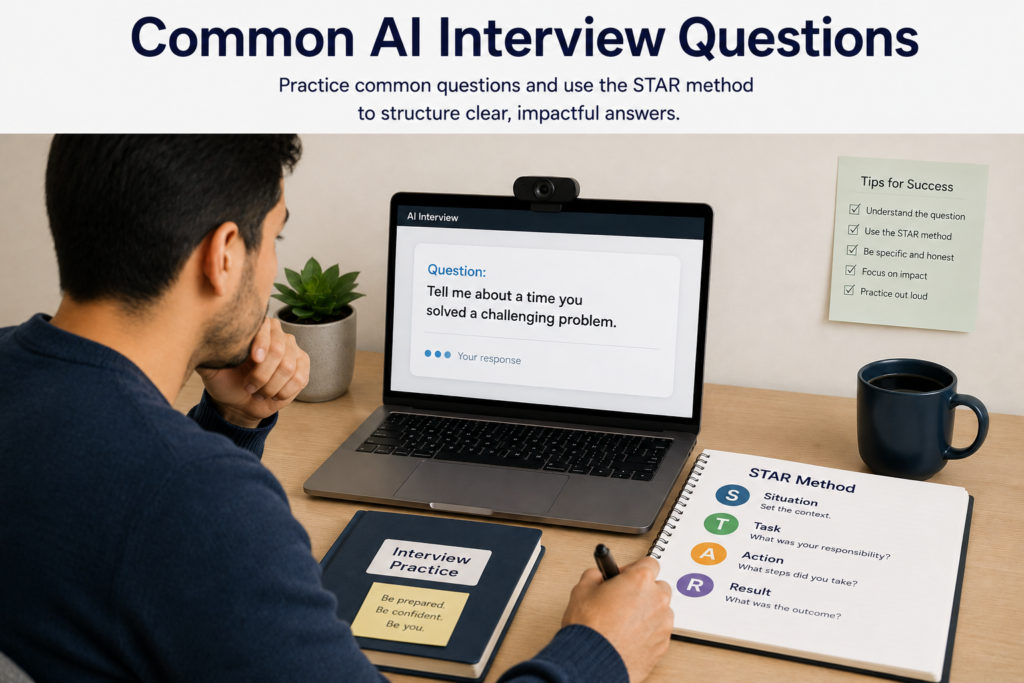
Use the STAR method:
Situation: What was happening?
Task: What were you responsible for?
Action: What specifically did you do?
Result: What happened because of your actions?
This structure keeps answers focused and prevents you from spending 90 seconds explaining background before reaching the point.
3. Practice Common AI Interview Questions Out Loud
Reading an answer silently is not interview practice.
Record yourself answering questions on your phone or computer. Watch the recording afterward.
Look for:
- Long pauses.
- Repeated words such as “um,” “like,” or “you know.”
- Answers that wander.
- Speaking too quickly.
- Looking away constantly.
- A flat or overly rehearsed delivery.
- Answers that fail to address the actual question.
You do not need to eliminate every natural pause. You want to sound prepared, clear, and conversational.
4. Test Your Camera, Microphone, and Internet
Technical problems can create unnecessary stress.
Before the real interview, test:
- Camera position.
- Microphone quality.
- Internet connection.
- Browser compatibility.
- Lighting.
- Headphones, if you plan to use them.
- Background noise.
- Account login details.
Position your camera roughly at eye level rather than pointing it upward from your desk.
Your face should be clearly visible, and the background should not distract from what you are saying.
5. Create a Professional Interview Setup
You do not need an expensive home office.
You need a quiet, clean, well-lit space.
Face a window or use a light source in front of you rather than directly behind you. Keep notifications turned off. Close unnecessary browser tabs and applications.
Put your notes near the camera rather than looking down at a notebook throughout the interview.
A simple setup is usually better than an elaborate one.
6. Practice With a Timer
One-way video interviews often give you limited preparation and response time.
Practice under similar conditions.
For example:
- Read the question.
- Take 20–30 seconds to organize your thoughts.
- Give a 60–120 second response.
- Stop when you have made your point.
The exact limits vary by platform, so follow the employer’s instructions.
The goal is not to fill every available second. If you have answered the question completely in 75 seconds, you do not need to keep talking simply because the timer allows two minutes.
7. Build a Strong Opening Answer
One of the most common interview questions is some version of:
“Tell me about yourself.”
Do not give your entire life story.
Use a simple structure:
Present → Past → Future
Explain what you do now, mention relevant experience, and connect that experience to the position you want.
For example:
“I’m currently working in customer support, where I handle a high volume of customer requests and help improve our response process. Before that, I worked in retail, which helped me build strong communication and problem-solving skills. I’m now looking to move into a customer success role where I can use those skills in a more relationship-focused position.”
That answer is specific, relevant, and easy to follow.
8. Use Natural Eye Contact With the Camera
During a recorded interview, looking directly at the camera can create a stronger sense of connection than constantly watching your own video preview.
You do not need to stare at the camera without blinking.
Instead, focus primarily on the camera while answering and use natural facial expressions and gestures.
Avoid trying to manufacture an exaggerated smile or overly enthusiastic body language. Professional and relaxed is better than artificial.
9. Review Your Answers Before the Real Interview
After recording practice responses, ask:
- Did I answer the question?
- Did I provide a specific example?
- Did I explain what I did?
- Did I give a result?
- Was the answer concise?
- Did I sound like myself?
- Would a recruiter understand why I fit this job?
These questions are more useful than obsessing over whether an algorithm will notice every movement of your face.
For additional preparation, review common resume mistakes so your resume and interview story are consistent.
Common AI Interview Questions and How to Answer Them
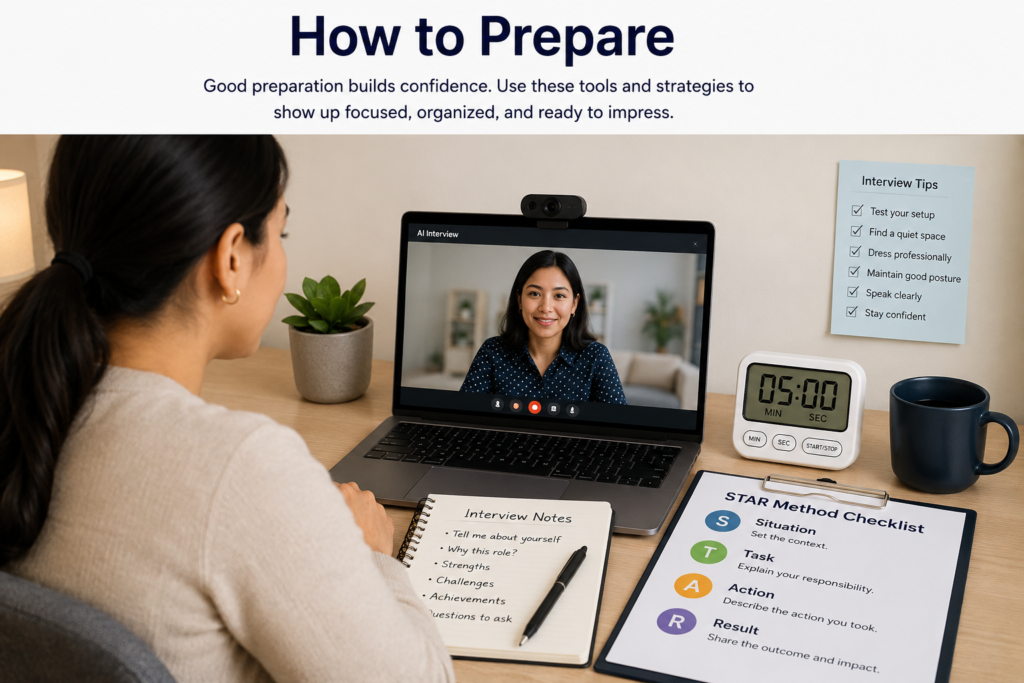
AI interview questions are often similar to questions used in traditional interviews. The difference is that you may have less opportunity to clarify the question or build a natural conversation.
Here are common examples and effective approaches.
1. “Tell me about yourself.”
How to answer: Give a concise professional summary focused on the role.
Mention your current situation, relevant experience, and why the opportunity makes sense as your next step.
Avoid personal history that does not help establish your qualifications.
2. “Why do you want to work for our company?”
How to answer: Connect the company to something specific.
Research its products, customers, mission, industry position, or recent developments.
A stronger response sounds like:
“I’m interested in this position because it combines my experience in customer support with my interest in SaaS products. I also like that this role focuses on helping customers get measurable value from the product.”
Avoid saying only, “I need a job,” or “Your company seems like a great place to work.”
3. “Tell me about a time you solved a difficult problem.”
How to answer: Use STAR.
Spend the most time on your actions. Explain how you identified the problem, what you changed, and what happened afterward.
Whenever possible, include a measurable result.
4. “Tell me about a mistake you made.”
How to answer: Choose a real but manageable mistake.
Then explain what you changed afterward.
A strong answer demonstrates accountability without turning into a confession of a major professional failure.
For example:
“Earlier in my career, I underestimated the time needed to complete a reporting project. I realized the problem when several dependencies started moving later than expected. Since then, I build contingency time into project schedules and confirm dependencies earlier.”
5. “Why should we hire you?”
How to answer: Connect three relevant strengths to the employer’s needs.
Do not simply list adjectives such as “hardworking,” “motivated,” and “team player.”
Instead:
“You’re looking for someone who can manage customer issues, communicate clearly, and work independently. In my current role, I handle a high volume of customer requests, helped reduce our response backlog, and regularly manage issues without direct supervision.”
6. “Describe a time you worked with a difficult coworker.”
How to answer: Focus on professional behavior.
Explain the situation without insulting the other person. Show how you communicated, solved the issue, and maintained productivity.
The interviewer wants evidence that you can handle workplace friction without creating more of it.
7. “What is your greatest weakness?”
How to answer: Pick a genuine development area that you are actively improving.
Then explain your strategy.
For example:
“Earlier in my career, I sometimes spent too much time perfecting work before sharing an initial draft. I’ve improved by setting earlier review points and asking for feedback before spending additional time polishing details.”
Do not use the cliché “I’m a perfectionist” without explaining a real behavior and improvement process.
Mistakes to Avoid During an AI Interview
Treat the recorded interview like a real interview. The fact that a recruiter may not be watching live does not make it casual.
Before the Interview
✅ Do: Read the job description carefully.
❌ Don’t: Start recording without understanding what the company needs.
✅ Do: Test your camera and microphone.
❌ Don’t: Assume your equipment will work because it worked yesterday.
✅ Do: Practice with a timer.
❌ Don’t: Memorize a script word-for-word.
During the Interview
✅ Do: Answer the exact question asked.
❌ Don’t: Deliver a generic speech that could apply to any job.
✅ Do: Use specific examples.
❌ Don’t: Make unsupported claims such as “I’m an excellent leader” without evidence.
✅ Do: Speak naturally and clearly.
❌ Don’t: Rush because you are nervous.
✅ Do: Look primarily toward the camera.
❌ Don’t: Spend the entire answer watching your own image.
✅ Do: Use concise STAR stories for behavioral questions.
❌ Don’t: Spend most of your answer explaining the background.
After the Interview
✅ Do: Check whether the platform requires a final submission or confirmation.
❌ Don’t: Assume closing the browser automatically submits your interview.
One of the most important AI interview tips 2026 is to treat the technology as part of the interview environment—not as your opponent.
AI Interview vs Human Interview: Key Differences
| AI/One-Way Interview | Human Interview |
|---|---|
| You usually answer questions alone | You interact directly with an interviewer |
| Responses may have time limits | Conversation can be more flexible |
| You cannot easily ask for clarification | You can ask the interviewer to clarify |
| You need strong self-management | Interviewer can guide the conversation |
| Camera, audio, and setup matter heavily | Technical setup may be less important |
| Answers should be concise and structured | Natural back-and-forth is easier |
The biggest adjustment is learning to communicate without relying on the interviewer to guide you.
In a live conversation, an interviewer might say, “Can you tell me more about that?” In an asynchronous interview, you need to provide enough useful detail the first time.
Frequently Asked Questions
1. How do you pass an AI interview?
The best approach to how to pass an AI interview is to focus on the fundamentals: understand the job, prepare relevant examples, answer questions directly, practice on camera, and make sure your technology works.
Do not rely on tricks designed to manipulate supposed AI scoring systems. The hiring process and technology vary between employers.
2. Can AI interviews reject candidates?
AI-assisted hiring technology can be used at different stages of recruitment, but the exact role of automation varies by employer and platform.
Do not assume that a particular facial expression, word, or pause automatically causes rejection. Focus on delivering clear evidence that you can perform the job.
3. What should I wear for a one-way video interview?
Dress as you would for a professional interview for that industry and position.
For many office-based roles, business casual or professional attire is a reasonable starting point. Avoid clothing that creates distracting patterns or makes you uncomfortable on camera.
4. How long should an AI interview answer be?
Follow the platform’s time limit, but do not treat the maximum as a target.
For many behavioral questions, a focused answer of roughly 60–120 seconds can be enough to explain the situation, your actions, and the result. The appropriate length depends on the question and the instructions you receive.
5. Should I use notes during an AI interview?
Brief notes can help, especially for company research, key accomplishments, and questions you want to remember.
However, do not read a script. Constantly looking away from the camera can make your delivery appear less natural.
Your preparation should happen before you press record.
Prepare Your Resume Before the Interview
Your interview is only one part of the hiring process.
If your resume does not clearly communicate your qualifications, strong interview performance may not be enough to move you forward.
Before applying, review how to write a resume for US employers and make sure your resume highlights relevant accomplishments, skills, and keywords from the job description.
Your resume and interview answers should tell the same professional story.
Get Your Free Resume Template →
Conclusion: Prepare for the Interview, Not the Algorithm
AI-assisted interviews can feel intimidating because they remove much of the human interaction candidates normally rely on.
But the fundamentals have not changed.
Employers still need people who can solve problems, communicate clearly, collaborate with others, learn quickly, and produce results.
Use these AI interview tips 2026 to prepare deliberately: study the job description, build a story bank, practice common questions, record yourself, test your equipment, and learn to give concise answers without sounding scripted.
You cannot control exactly how an employer’s technology works.
You can control how prepared you are.
Practice three to five answers today. Record yourself. Watch the recording once. Fix one weakness. Then repeat.
That process will make your next one-way video interview feel much less like a test of technology—and much more like an opportunity to show an employer what you can do.