
Learn how to create ATS friendly resume step by step. Improve job application success with formatting, keywords, and expert tips.
Introduction
In today’s digital hiring environment, submitting a resume is no longer just about impressing a recruiter. Before a human ever reads your application, your resume is usually scanned by software known as an Applicant Tracking System (ATS). These systems help employers filter thousands of applications quickly by identifying candidates who match job requirements.
Because of this technology, many qualified candidates are rejected simply because their resumes are not optimized for ATS software. Learning how to create an ATS friendly resume has become one of the most important skills for job seekers worldwide.
This complete step-by-step guide explains exactly how ATS systems work, how recruiters evaluate resumes, and how you can design a resume that passes automated screening while still appealing to hiring managers.
What Is an ATS (Applicant Tracking System)?
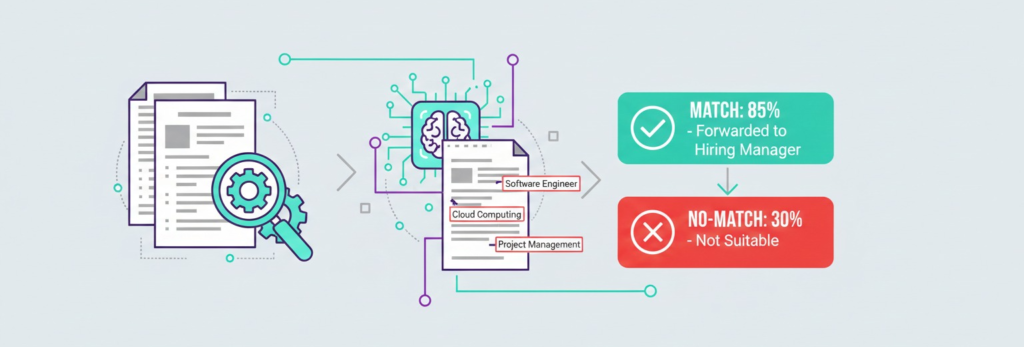
An Applicant Tracking System is recruitment software used by companies to collect, scan, and rank resumes automatically.
Why Companies Use ATS
Employers receive hundreds or even thousands of applications per job posting. ATS software helps them:
Filter candidates quickly
Search resumes by keywords
Rank applicants based on relevance
Reduce manual screening time
Organize hiring workflows
More than 90% of large companies now rely on ATS tools.
How ATS Software Reads Your Resume
ATS systems do not “see” resumes like humans do. Instead, they analyze structured data.
They scan for:
Keywords from job descriptions
Job titles
Skills sections
Education history
Work experience dates
Certifications
Complex designs, graphics, or unusual formatting can confuse the system and cause rejection.
Step 1: Choose the Right Resume Format
The safest format for ATS compatibility is the reverse chronological format.
Recommended Structure
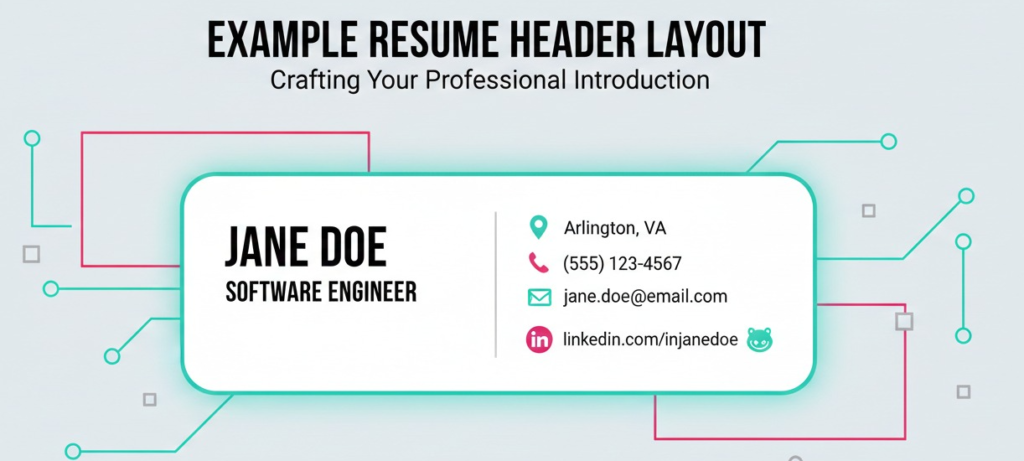
Contact Information
Professional Summary
Skills
Work Experience
Education
Certifications
Additional Sections
Avoid functional or heavily designed resume templates.
Step 2: Use Simple and Clean Formatting
ATS software prefers simplicity.
Best Practices
✅ Use standard fonts:
Arial
Calibri
Times New Roman
✅ Font size:
10–12 for body
14–16 for headings
❌ Avoid:
Tables
Text boxes
Icons
Columns
Images inside resume
Simple formatting ensures ATS readability.
Step 3: Write a Strong Professional Summary
Your professional summary appears at the top and should include targeted keywords.
Example
“Results-driven marketing specialist with 5+ years of experience in digital campaigns, SEO optimization, and data analysis.”
Tips:
Keep it 3–4 lines
Include job title keywords
Highlight achievements
Step 4: Use Keywords from Job Descriptions
Keywords are the most important factor for ATS success.
How to Find Keywords
Read the job posting carefully.
Identify repeated skills.
Note tools and certifications mentioned.
Match terminology exactly.
Example:
If job description says “Project Management,” avoid replacing it with “Project Coordination.”
Step 5: Create a Dedicated Skills Section
ATS systems heavily analyze skills sections.
Include:
Technical skills
Software tools
Industry knowledge
Languages
Example:
Skills:
Project Management
Data Analysis
Microsoft Excel
CRM Software
Communication
Use bullet points for clarity.
Step 6: Optimize Work Experience Section
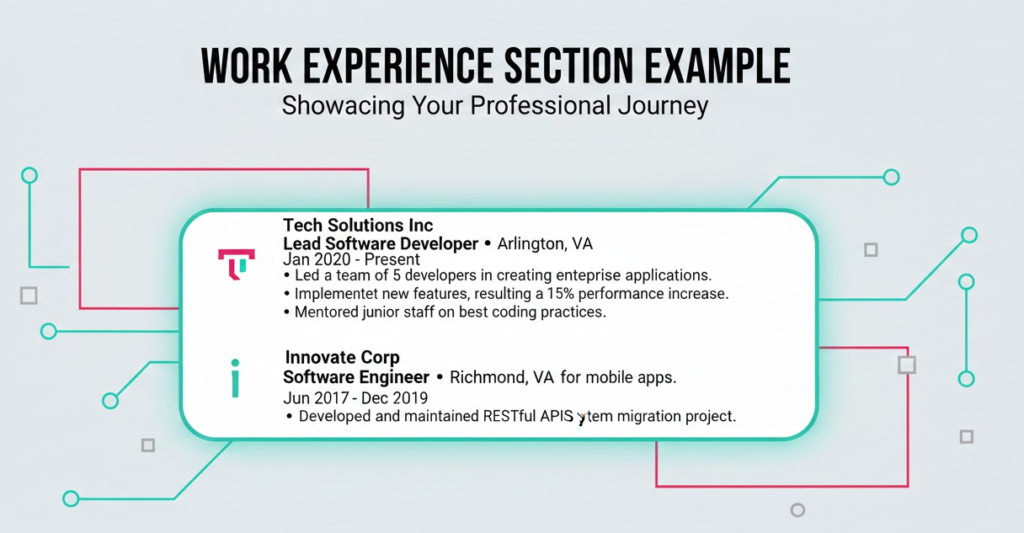
Each job entry should include measurable achievements.
Correct Format
Job Title
Company Name – Location
Month Year – Month Year
Achievements:
Increased sales by 25%
Managed team of 8 employees
Reduced operational costs by 15%
Numbers improve ATS ranking and recruiter attention.
Step 7: Use Standard Section Headings
ATS recognizes common headings only.
Use These:
Work Experience
Education
Skills
Certifications
Professional Summary
Avoid creative titles like:
❌ “My Career Journey”
Step 8: Avoid Graphics and Visual Elements
Many modern templates fail ATS scanning.
Avoid:
Charts
Logos
Profile photos
Infographics
Decorative designs
ATS reads text — not visuals.
Step 9: Save Resume in the Correct File Format
Best formats:
✅ .DOCX (Most ATS-friendly)
✅ Simple PDF (if allowed)
Avoid:
Image files
Scanned PDFs
Always check job application instructions.
Step 10: Customize Resume for Every Job
One resume does not fit all applications.
Skills
Keywords
Summary
Achievements
Customization significantly increases interview chances.
Step 11: Include Relevant Certifications
Certifications increase ATS ranking.
Examples:
Google Analytics
PMP Certification
AWS Certification
CompTIA Security+
List certification name clearly.
Step 12: Optimize Education Section
Include:
Degree
University Name
Graduation Year
Optional:
GPA (if strong)
Honors
Relevant coursework
Step 13: Add Action Verbs
Use powerful verbs such as:
Managed
Developed
Implemented
Increased
Designed
Led
Action verbs improve keyword density.
Step 14: Test Your Resume for ATS Compatibility
Before submitting:
Copy text into Notepad.
Ensure formatting stays readable.
Use online ATS scanners.
Step 15: Common ATS Resume Mistakes
Using creative templates
Missing keywords
Keyword stuffing
Incorrect job titles
Overly long resumes
Ideal length:
1 page (entry level)
2 pages (experienced professionals)
Advanced ATS Optimization Tips
Use Industry Language
Match terminology used by employers.
Include Both Acronyms and Full Terms
Example:
Search Engine Optimization (SEO)
Mirror Job Posting Language
ATS scoring improves when wording matches.
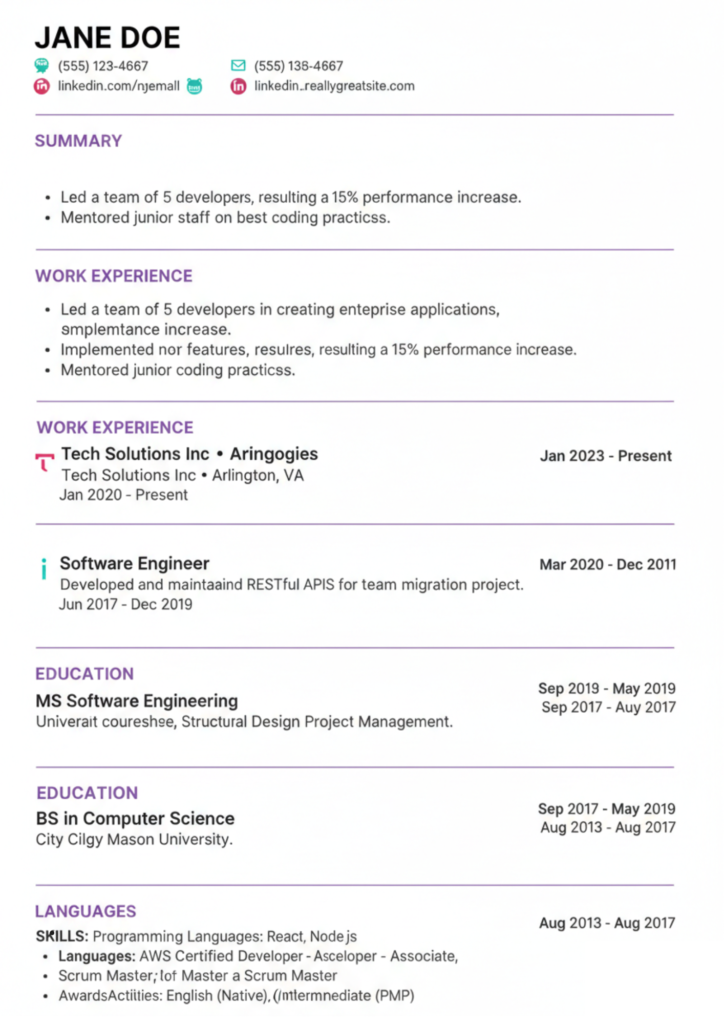
ATS Resume Example Structure
Contact Info
Professional Summary
Skills
Work Experience
Education
Certifications
Simple structure increases parsing accuracy.
Internal Linking Strategy
Add internal links to:
Resume writing guide
Interview preparation tips
Job search strategies
LinkedIn profile optimization
Place links naturally inside career advice sections.
External Linking Strategy
Use authoritative resources:
HR organizations
Career development platforms
Government employment websites
Avoid linking to resume-selling spam sites.
Why ATS Friendly Resumes Increase Interviews
Recruiters often view only top-ranked candidates generated by ATS software.
Benefits:
Higher visibility
Faster screening approval
Improved recruiter confidence
Better job matching
Future of ATS Hiring Technology
Recruitment technology continues evolving.
Upcoming trends:
AI resume scoring
Skills-based hiring
Automated interview scheduling
Predictive candidate matching
Understanding ATS today prepares you for future hiring systems.
Final Resume Checklist
✅ Keywords included
✅ Simple formatting
✅ Standard headings
✅ Measurable achievements
✅ Correct file format
✅ Customized for job
Conclusion
Creating an ATS friendly resume is no longer optional — it is essential for modern job searching. By understanding how applicant tracking systems analyze resumes and applying the step-by-step methods outlined in this guide, you significantly improve your chances of passing automated filters and reaching human recruiters.
A well-optimized resume balances technology compatibility with professional presentation. Focus on clarity, relevance, and keyword alignment, and you will position yourself ahead of most applicants competing for the same opportunities.
Start updating your resume today using these ATS optimization strategies and increase your interview success rate in competitive job markets.